Free QR Invoice Generator - Create QR Invoices & Get Paid Instantly

Create a free QR invoice with Stripe, PayPal, Cash App, Zelle payment QR code in seconds. Perfect for USA small businesses & freelancers. 14 templates, add logo & signature, download PDF - free, no signup, no watermark.

1. Select Template 2. Add Stripe/PayPal Link 3. Click Generate QR 4. Download PDF
Invoice Generator
📄Switch Document
Sales Invoice
🌐Language
English
Translates the invoice's field labels (From, Bill To, Description, Totals, etc). Text you type yourself (names, addresses, notes) stays as you write it.
Select Template
Neat
👀Watermark
Off
First upload your logo in the "Select Logo" section.
🖼Select Logo
None
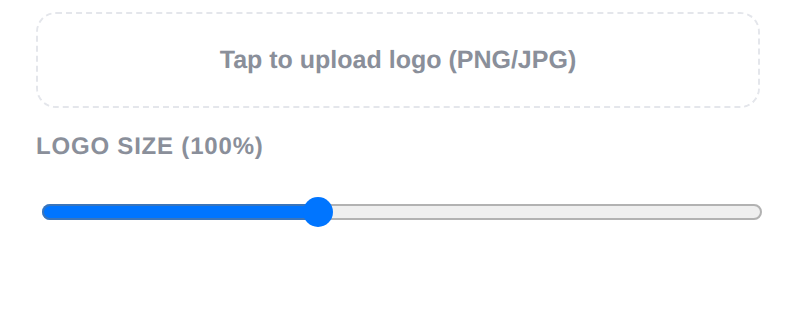
Tap to upload logo (PNG/JPG)
Select Signature
None
👤From
📝Bill To
Add or Edit Items
$ 0.00
#Invoice #
100
📅Invoice Date
-
💰Currency
USD
📜Paper Size
US Letter
Currency Formatting
$ 0.00
Terms & Conditions
Payment i…
📝Additional Notes
🏦Payment Instructions
📱Payment QR Code
A QR code is generated automatically from whatever text or link you enter here — when scanned, it opens that link or shows those details.
Live Preview — Neat Unsaved Draft
Unsaved Draft
INVOICE
Invoice # 100
Date -
From
Bill To
DescriptionQtyRateAmount
Thank you

How to Use the QR Invoice Generator

Create a QR invoice in under two minutes — no signup, no account, no watermark. Here's the whole process, step by step.

1

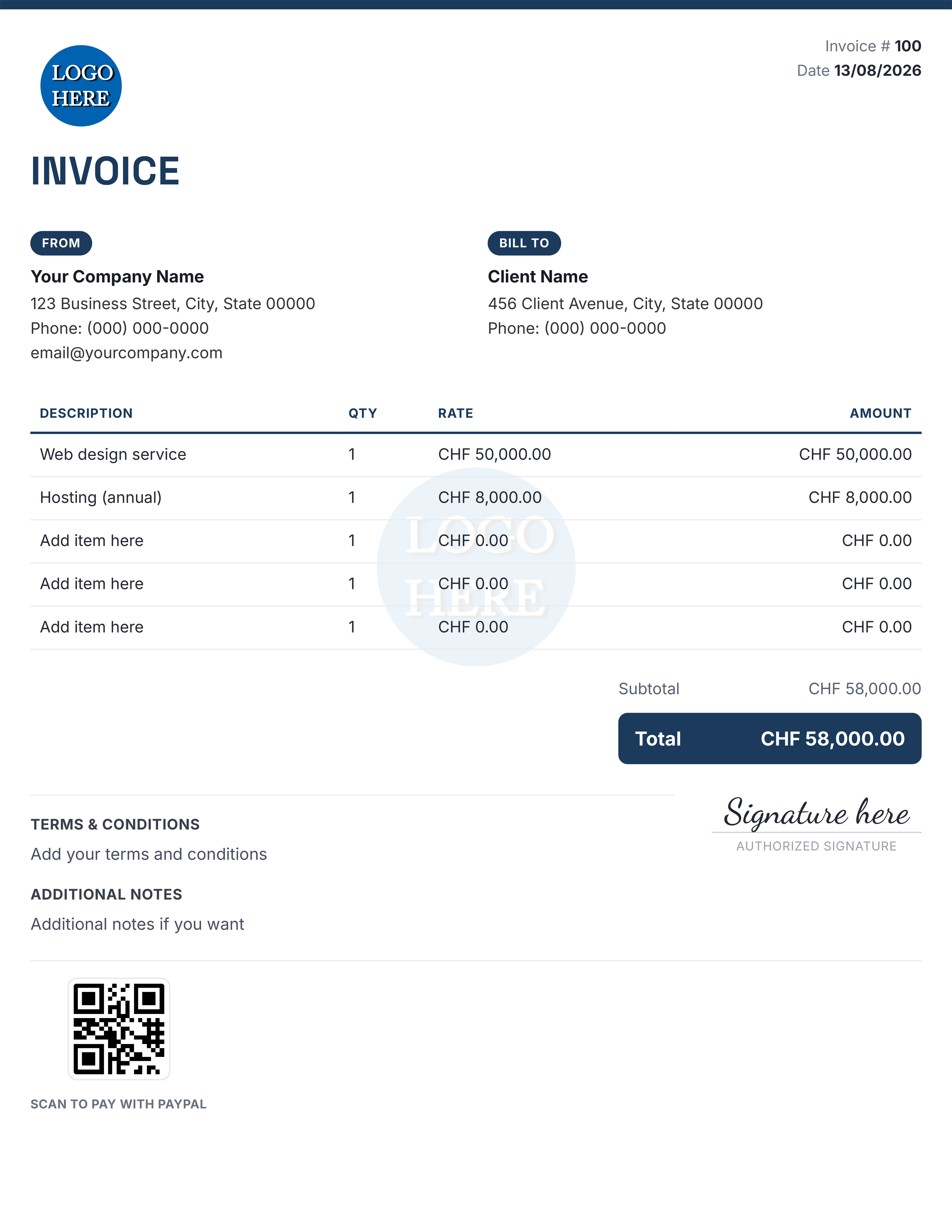
Professional Swiss QR Invoice with Logo & Signature

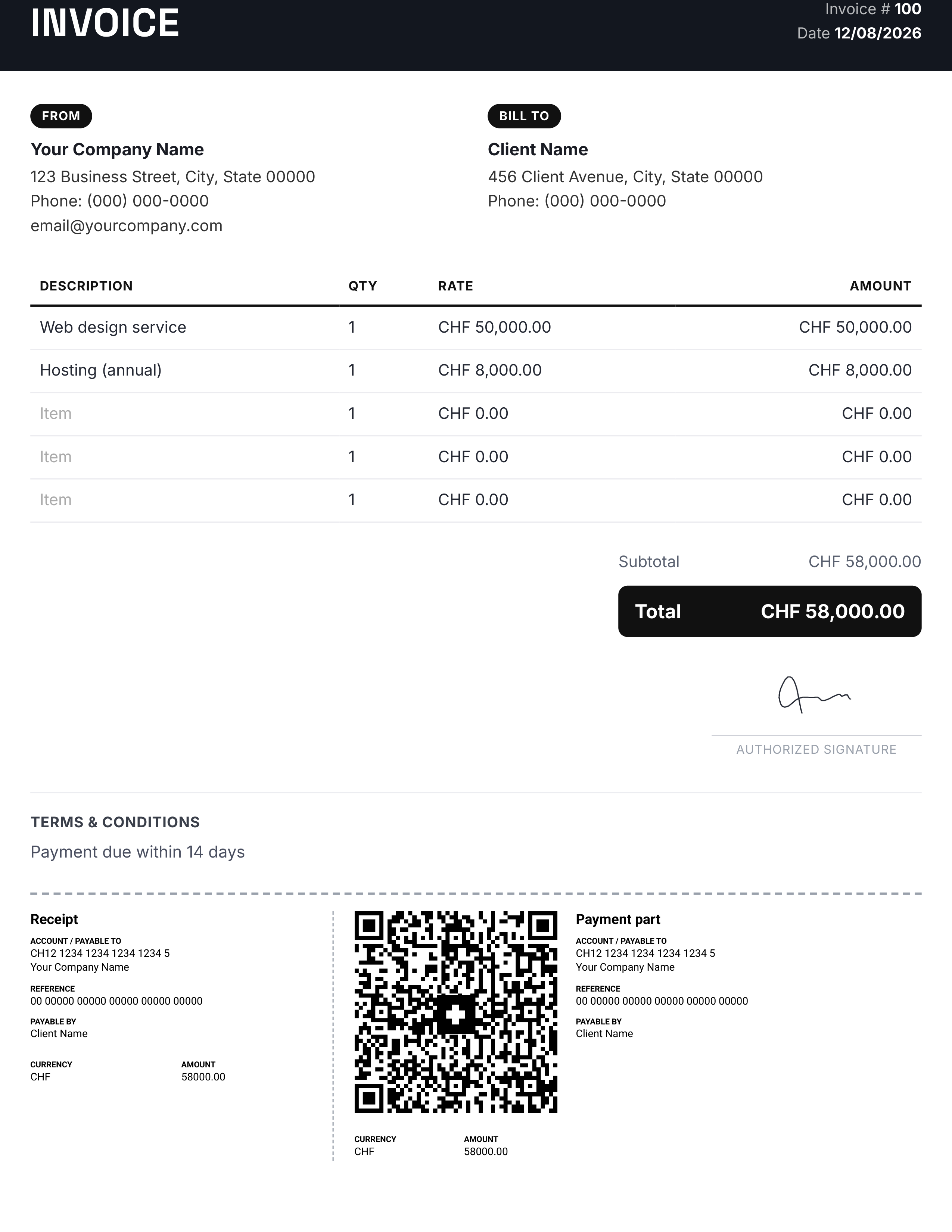
Here is a sample of the final invoice generated by our tool. As you can see, it includes everything a professional Swiss QR Invoice needs: Your company logo and details on top, clear item list with QTY and RATE, automatic subtotal and total calculation, Terms & Conditions section, and an Authorized Digital Signature at the bottom.

The best part is the built-in Swiss QR Code with payment slip. It contains all payment details like IBAN, Reference, and Amount in CHF. Your clients can simply scan the QR with their banking app and pay instantly. The invoice is fully customizable with your branding, language, and signature to match your business needs.

qr invoice switzerland
2

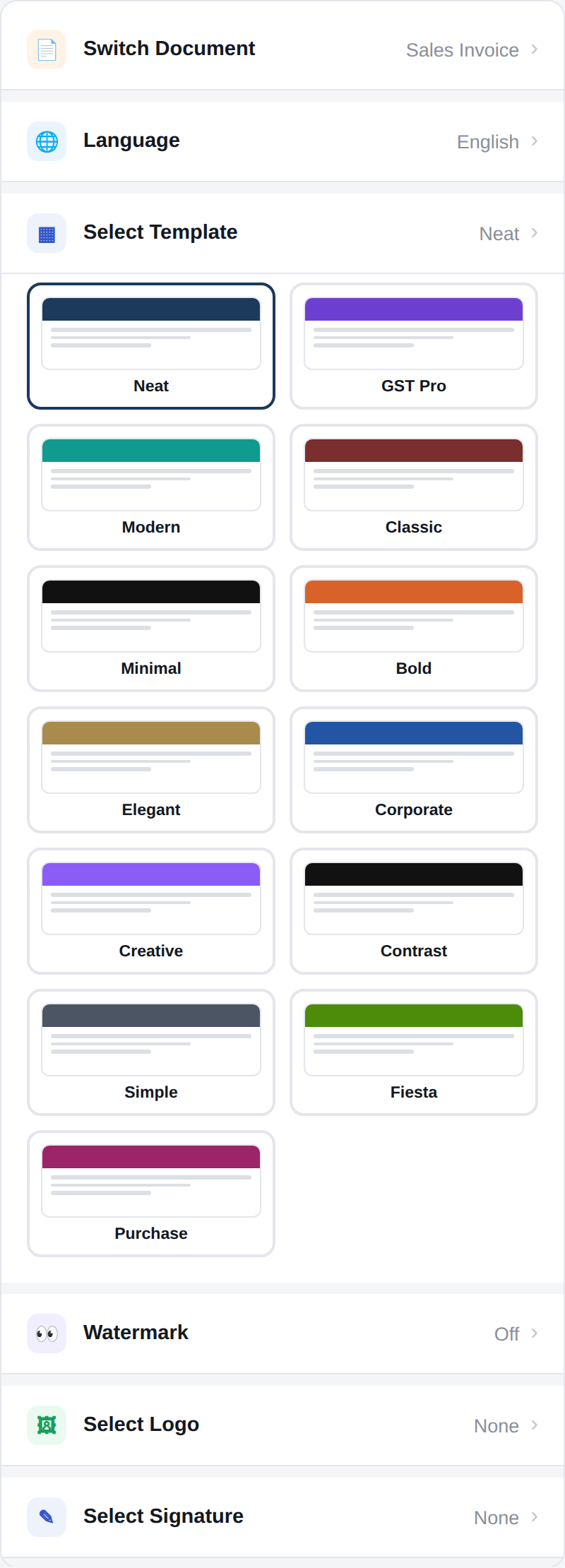
Pick a Template

Open Select Template and choose from 14 ready-made invoice layouts — clean, bold, formal GST-style, or colorful. Your choice instantly updates the live preview on the right, so you can compare a few before deciding.

Selecting an invoice template in the QR invoice generator
3

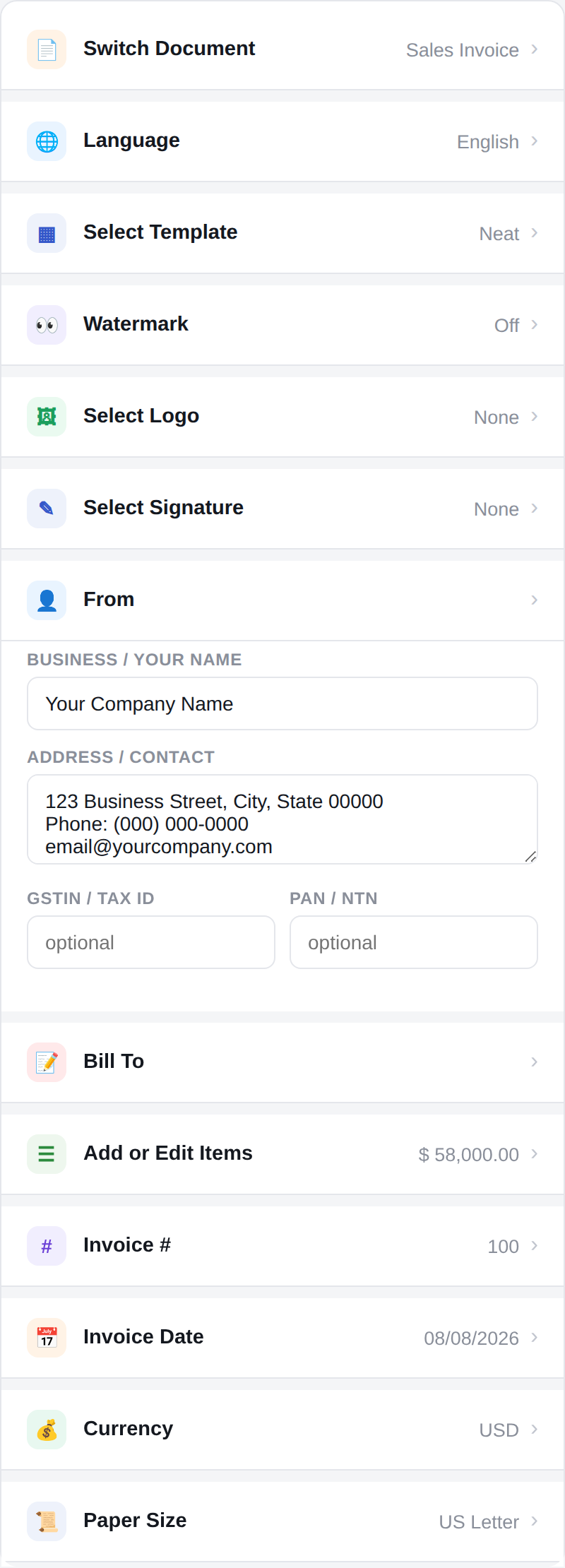
Add Your Business & Client Details

Fill in the From section with your business name, address, and contact info, then add your client's details under Bill To. You can also add GSTIN/Tax ID and PAN fields if you need them for formal invoices.

Entering business and client details on the invoice form
4

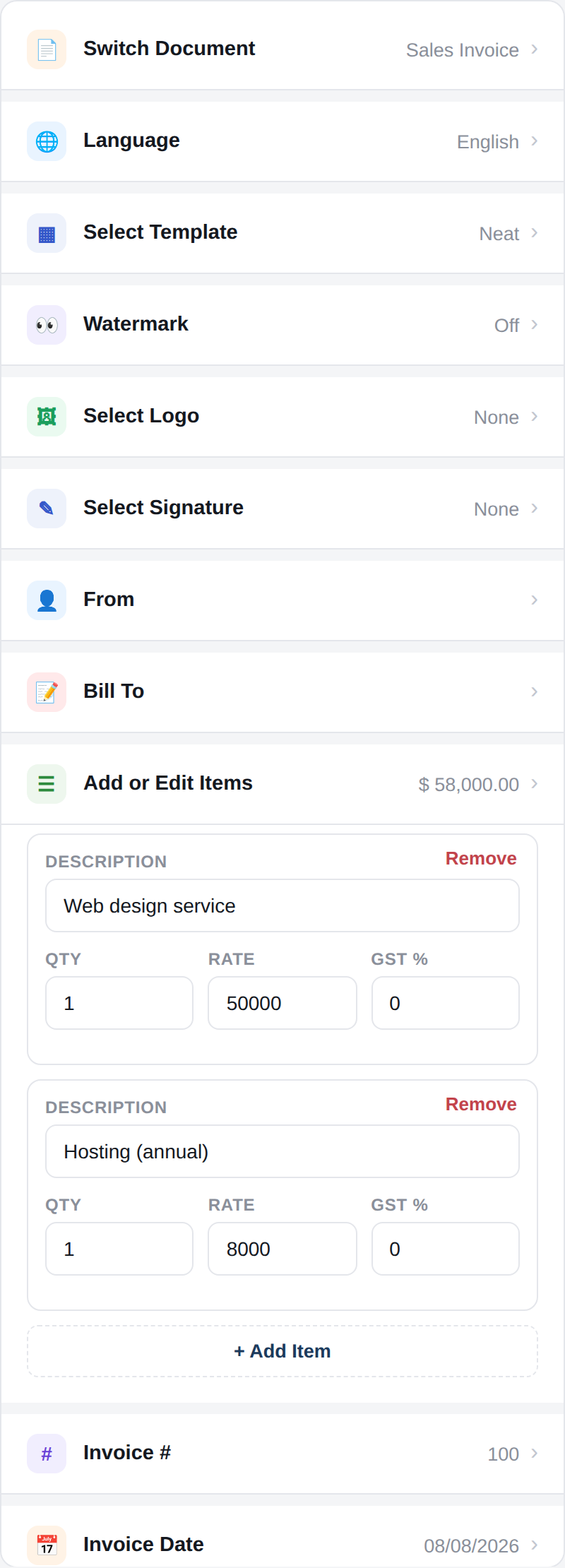
Add Line Items

Open Add or Edit Items and list what you're billing for — description, quantity, rate, and an optional tax percentage per item. Subtotals, tax, and the grand total are calculated for you automatically as you type.

Adding line items with quantity, rate, and tax to an invoice
5

Add a Payment QR Code

Open Payment QR Code, switch "Scan & Pay" QR on, and paste your strips, PayPal.me link, bank transfer link, or any payment link you use. Click Generate QR and a scannable code appears on your invoice instantly — or upload your own QR image if you already have one.

Generating a payment QR code for the invoice
6

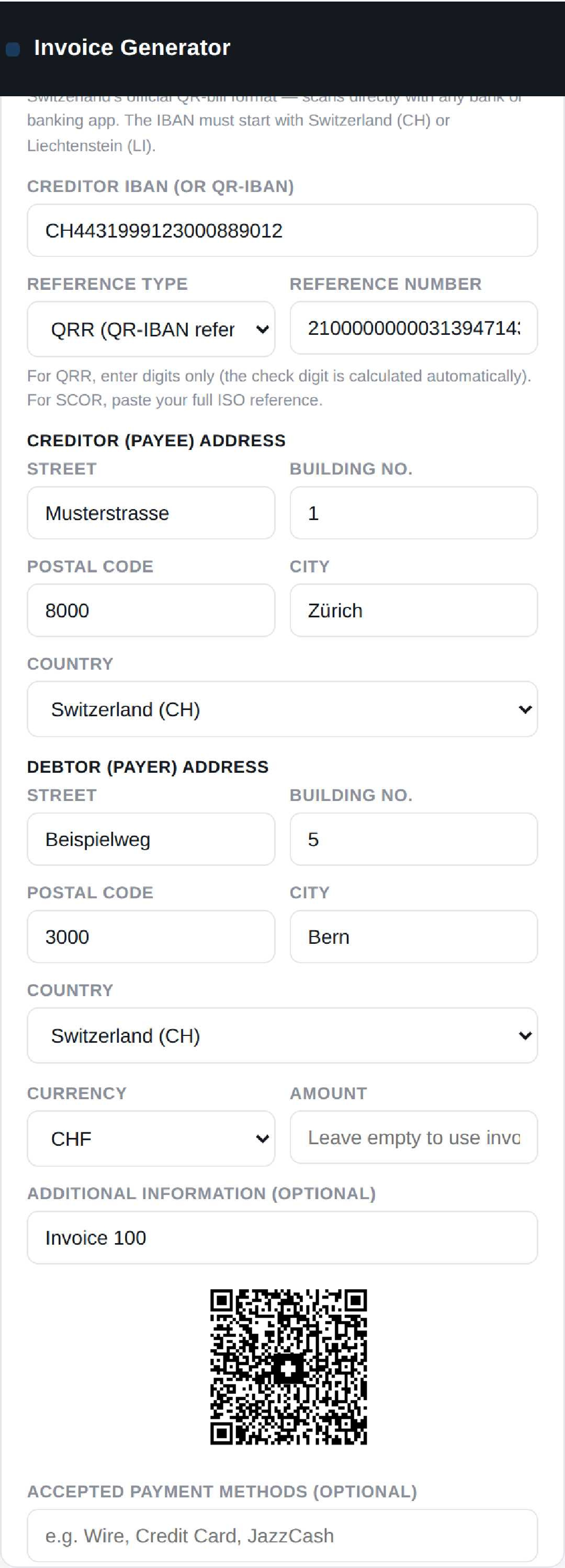
Or Generate a Swiss QR-Bill

Billing a Swiss or Liechtenstein client? Switch to the Swiss QR-Bill tab instead. Enter your IBAN, creditor and debtor address, reference number, and currency — the tool builds the exact official payload, adds the Swiss cross to the QR code, and prints the legally formatted Receipt + Payment part at the bottom of your invoice automatically.

Generating a Swiss QR-Bill with IBAN, reference number, and structured address fields
7

Preview & Download as PDF

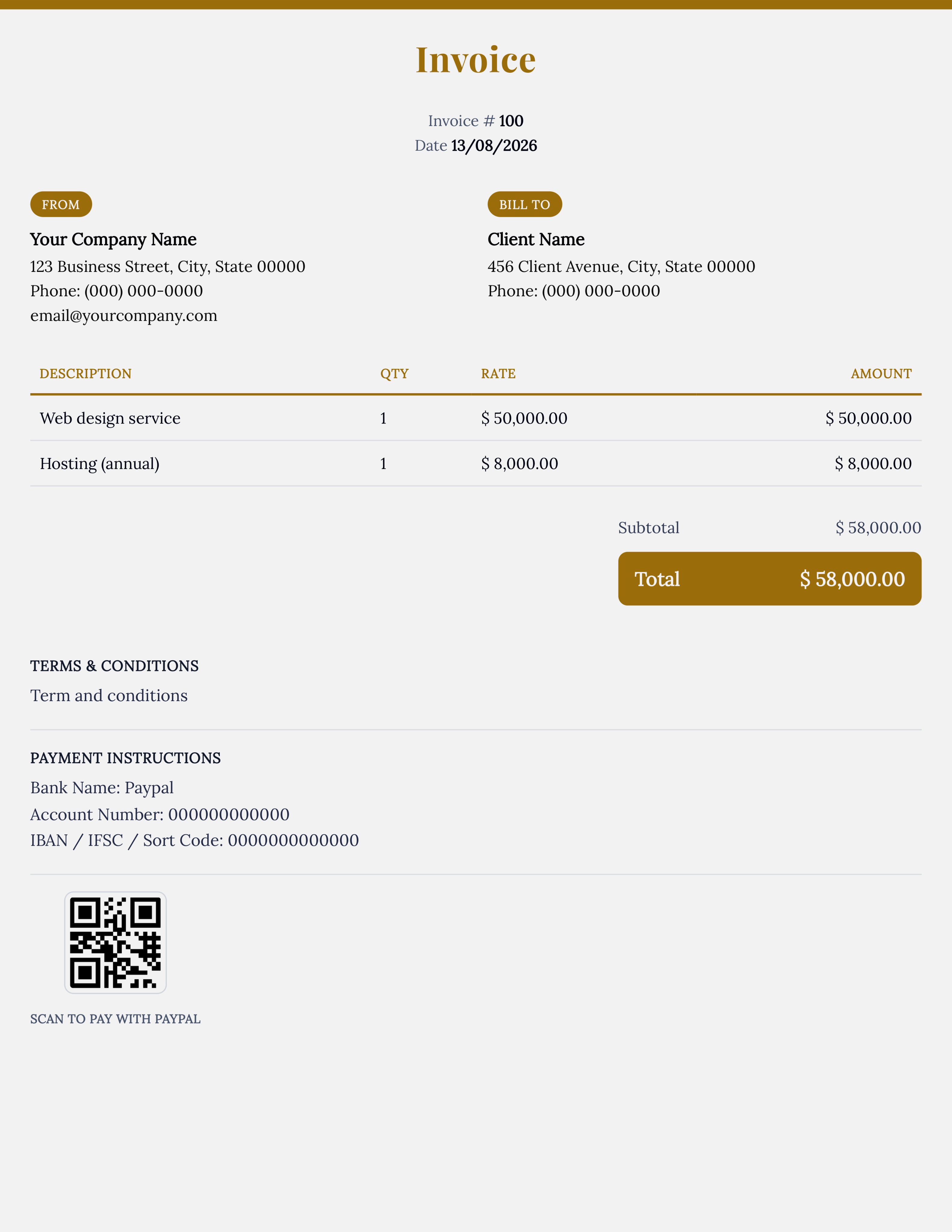
Check the live preview to make sure everything looks right, then click the Print/PDF button in the top bar. Save it as a PDF or print it directly — your finished, payment-ready QR invoice is done.

Final invoice preview ready to download as PDF
8

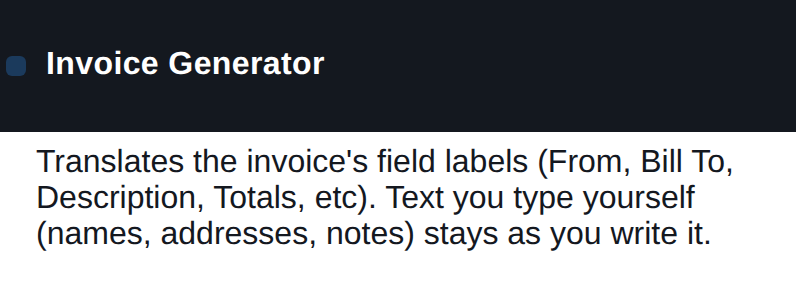
Switch Language: German, French, Spanish & More

Our Free QR Invoice Generator now supports multiple languages. You can create invoices in English, Urdu, Arabic, Hindi, German, French, Spanish, Turkish, Chinese, Russian and 10+ other languages. Just select your preferred language from the dropdown and the entire invoice - including labels, QR data, and layout - will update instantly. This makes it perfect for international businesses, freelancers, and Swiss companies who work with global clients.

Switching the invoice language from the language dropdown
9

Add Your Company Logo to the QR Invoice generator

Personalize your QR invoices with your company branding. Our tool lets you upload your logo, add a watermark for security, and include a digital signature. Adjust the logo size to match your invoice design. Perfect for businesses who want professional, branded QR invoices..

Add Your Own Logo
10

Create Handwritten Signature Online

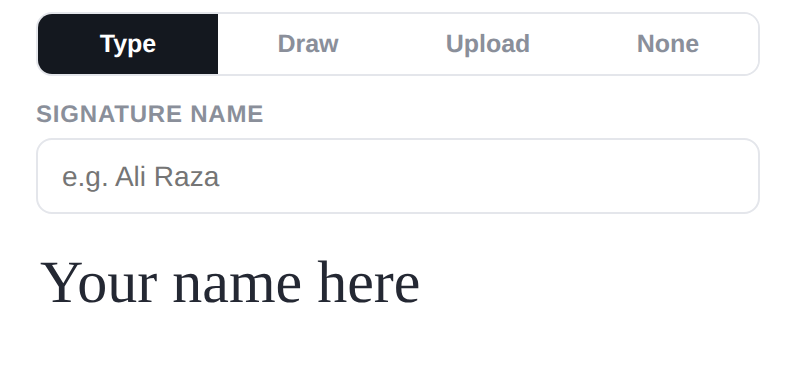
Add a legally valid digital signature to your QR invoices in seconds. Our generator gives you 4 options: Type, Draw, Upload or None. Draw your signature with a mouse or finger, or upload a scanned signature. This makes your QR invoices look professional and authentic for clients and accounting.

Add your signature on invoice

Free QR Invoice Generator with QR Code for Instant Payment - No Signup

Getting paid on time is the biggest headache for freelancers and small businesses in the USA. Clients lose bank details, forget to click your PayPal link, or delay payments because sending money feels like work. Our free QR invoice generator solves this.

A QR invoice turns your Stripe, PayPal, or Cash App payment link into a single scannable code. Instead of copying account numbers, your client just opens their phone camera, scans the QR code printed on your invoice, and pays in seconds. No typos, no delays.

Create Professional Invoices With Payment QR Code in Your Browser

This QR invoice generator lets you create a fully professional invoice with a built-in payment QR code directly in your browser, with no signup, no account, and no watermark. This is a true free invoice generator with QR code no signup tool built for USA businesses.

Start by filling in your business details and your client's billing information, then choose from 14 professional invoice templates - from clean minimal layouts for freelancers to formal business formats. Add your line items, rates, and tax, and the tool automatically calculates subtotals, tax, and grand total for you.

Once your details are filled, open the Payment QR Code section and paste your Stripe Payment Link, PayPal.me link, Cash App link, or Zelle link. Click Generate QR and the code appears instantly on your invoice preview. You can also upload your own QR code image if you already have one from Stripe or Square.

Built for USA Small Businesses, Not Just Any Invoice Tool

Beyond the QR code, every invoice supports multiple document types like Sales Invoices, Proforma Invoices, and Credit Notes. You can add your custom logo, digital signature, payment terms (like Net 15, Net 30 used in USA), and notes. Add multiple languages if you bill international clients.

Everything you enter is rendered live in the preview, and all calculations happen locally in your browser - nothing is uploaded to a server, so your business data stays 100% private and secure.

Whether you send one invoice a month or dozens a week, this free invoice generator with payment QR code is built to help USA freelancers, agencies, and small businesses get paid 3x faster. Try it now - create your first QR invoice for free today.

Free QR Invoice Generator with Payment Link - No Signup Required

Looking for a free invoice generator with QR code and payment link? Create USA payment QR invoices with Stripe, PayPal, Cash App & Zelle QR codes. Download PDF instantly - 100% free, no signup, no watermark. Perfect for freelancers, agencies and small businesses who want to get paid

Frequently Asked Questions - QR Invoice Generator USA

Q1: Is QR invoice legal in the USA?

Yes, QR invoices are 100% legal and IRS compliant in the USA as long as you include business name, invoice number and amount.

Q2: Can I add a Stripe or PayPal QR code to my invoice?

Yes, just paste your Stripe Payment Link or PayPal.me link in the Payment QR Code section and it will generate a scannable QR instantly.

Q3: Can I add Cash App and Zelle QR code to my invoice?

Yes, we support Cash App $cashtag and Zelle payment links. Paste your link and generate QR for USA customers.

Q4: Is this free QR invoice generator really free with no signup?

Yes, completely free, no signup, no watermark, and all data stays in your browser for privacy. Download PDF instantly.

Q5: Do you support Swiss QR Bill?

Yes, for Swiss & Liechtenstein clients we have a dedicated Swiss QR Bill Generator with IBAN compliant with SIX standards.